
Skip to content
TSG Solutions Nordics
Contact

Design freely, manage centrally, master your EV charging fleet


1

Control up to 32 charger outlets

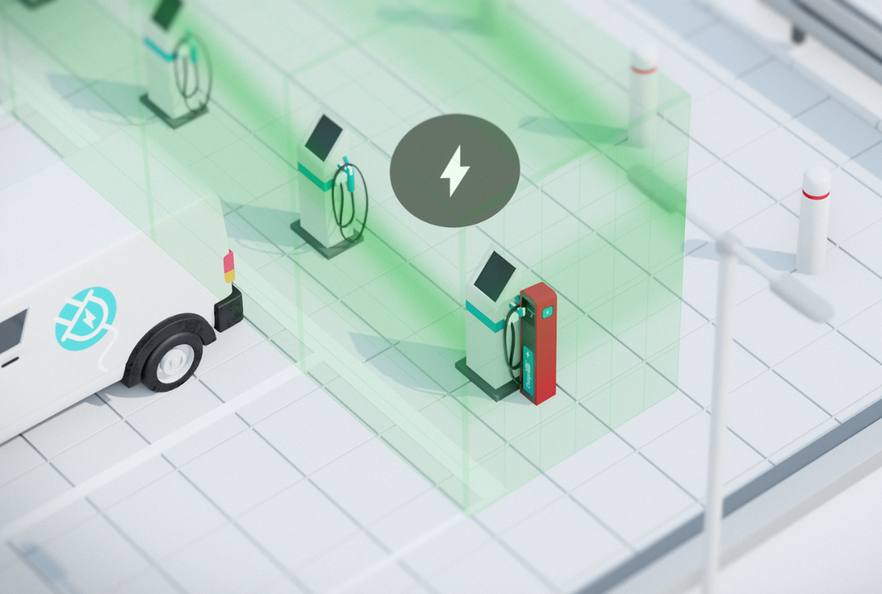
A single terminal can manage up to 32 charger outlets (AC/DC), accommodating various types and brands seamlessly.


2

No hidden costs

No monthly fee per charger, one system for all. LOGmaster software is a transparent, one-time investment, ensuring a fully inclusive system with no recurring charger fees or unexpected expenses.


3

Smart charging

ChargeLOG's functionalities enhance EV charging efficiency and smartly optimise energy usage, aligning with modern energy management standards.

ChargeLOG signature features

Charging periods and quotas for EVs

Charging periods and quotas for EVs

The terminal's 'Period Authorised' feature boosts efficiency by enforcing predefined charging schedules. Any charging outside these timeframes is automatically halted, ensuring compliance. The system also supports delayed activation, so charging sessions only start during designated times. This allows unique scheduling per charger, accommodating the requirements of each site.

ChargeLOG lets you set charging quotas for electric vehicles in kWh, minutes or number of activations. The system makes charging management easy by applying limits to the quantity, duration or frequency of charges a vehicle can receive, such as weekly or monthly limits.

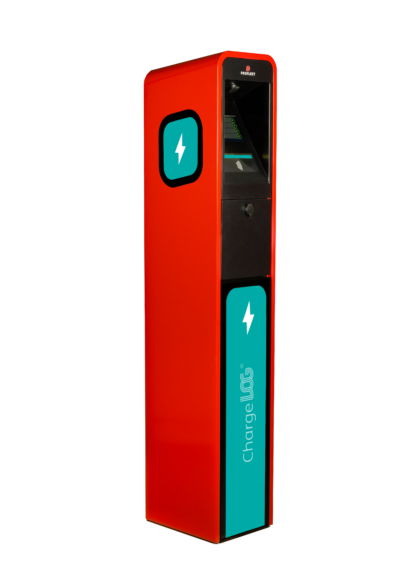
ChargeLOG stand-mounted terminal, viewed from the side
Smart charging

Smart charging

ChargeLOG uses smart charging to manage charger power based on available energy. Features include individual charger power limits, group charging limits and delayed sessions. The aim is to automate and improve charging efficiency, especially through load balancing, which allocates power among vehicles to ensure effective energy use and stable system performance.

ChargeLOG's 'Simultaneous Services Limitation' feature manages the number of active charging sessions, especially in areas with restricted power capacity. Once the limit is reached, new charging requests are queued and activated as slots open up. This ensures efficient power distribution and prevents overloading the electrical system.

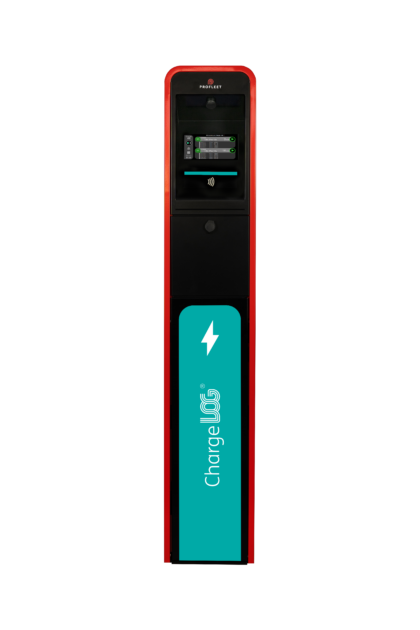
ChargeLOG stand-mounted terminal
Specific rules for EVs

Specific rules for EVs

Deactivation on low charge rate: ChargeLOG can terminate a charging session if the charge rate falls below a configurable minimum value. This is particularly useful for avoiding prolonged charging times when the battery level is already high (above 90%). It ensures optimal use of charging resources and time.

Minimal final battery load: ChargeLOG can be configured to alert users if a charging session stops before the EV's battery reaches a predefined minimum level, such as 80%. This ensures vehicles have sufficient charge for their tasks.

Charge completion alert: ChargeLOG can notify users if a charging session ends before the battery reaches a specified minimum level, such as 80%. This ensures vehicles have adequate charge for the planned route.

Maximum duration: ChargeLOG sets a limit on the duration of each charging session to prevent excessively long or forgotten charges. This ensures efficient use of the charging station.

Charging period: ChargeLOG allows you to set specific times (e.g. 'night') for EV charging. This can optimise energy usage and costs, especially if it aligns with off-peak electricity hours or operational needs.

ChargeLOG stand-mounted terminal, viewed from the side
EV-specific data

EV-specific data

LOGmaster records essential EV transaction data, such as date, time and vehicle ID, along with details like kWh quantity, consumption metrics and session duration. It provides advanced monitoring with reference consumption values and enables in-depth analysis through detailed reports in formats such as Excel and PDF. These reports include charging frequency per vehicle and electricity consumption, which are crucial for optimising charging strategies and managing energy efficiently.

ChargeLOG stand-mounted terminal
Charging process and offline behaviour

Charging process and offline behaviour

To start charging, users can use either the ChargeLOG terminal or the charger's own tag reader. The ChargeLOG terminal always handles activation, even when the charger's reader is used. If compatible, the same tag can be used for both. Remote activation and deactivation are available through LOGmaster and require confirmation on the terminal. Charging sessions are not MID-metered, but they are recorded with EV-specific data for tracking, similar to fuel transactions.

Offline behaviour: The ChargeLOG terminal ensures continuous operation even without an internet connection by performing local backups and securely storing transaction data. It remains fully functional offline and automatically syncs with LOG2host when the connection is restored. This ensures data integrity and keeps the terminal up to date. ChargeLOG's local backup system provides reliable, uninterrupted operation and automatically updates the cloud when the connection is back, which is crucial for keeping the charging infrastructure running.

ChargeLOG stand-mounted terminal, viewed from the side

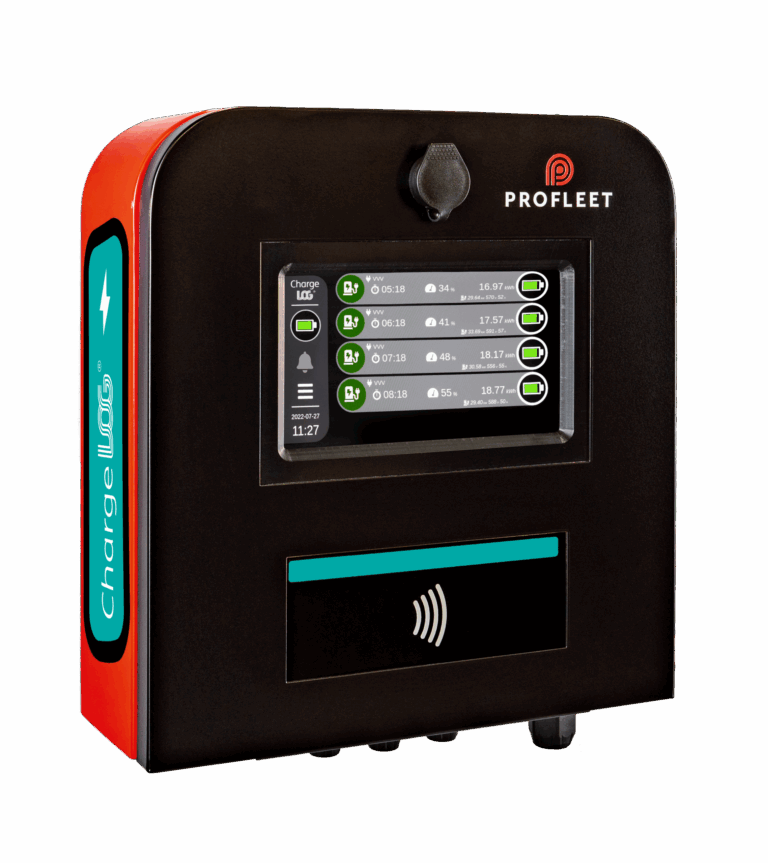
Compact Wallbox

The compact version of ChargeLOG is ideal for installations with limited space. The Wallbox provides the same software functionalities and identical touchscreen but does not support additional hardware options.
  • Design

    Sleek and contemporary design. Robust frame with protective coated panels. Longevity, even in the harshest conditions. One of the smallest footprints on the market.

  • Touchscreen

    Swift user interaction. Optimal height and angle. Rigid, industrial quality. On-site communication.

  • Authorisation

    Easy identification. Secured wireless tags. One tag for all. Other options: magstripe cards, barcode reader or automatic vehicle identification.

  • Options

    Additional space to upgrade the terminal with extra features. Best-in-class ticket printer. Barcode reader. 4G router and more.
ChargeLOG: Benefits for all site users

For end users

Familiar operation: activate the charger like other equipment
User-friendly touchscreen with the option to indicate priority
Identification possible at the terminal or the charger

For site owners and operators

Extensive functionalities for comprehensive charging management
Smart charging features, including load balancing
Higher reliability thanks to offline operation with a locally replicated database

For technicians

Preventive maintenance based on operating time per outlet or duration
Timely response based on alarms and malfunction information

For IT

Uniform system enabling streamlined IT operations
Works inside the local network or fully cloud-based
Export charging transactions (automatically) in various formats

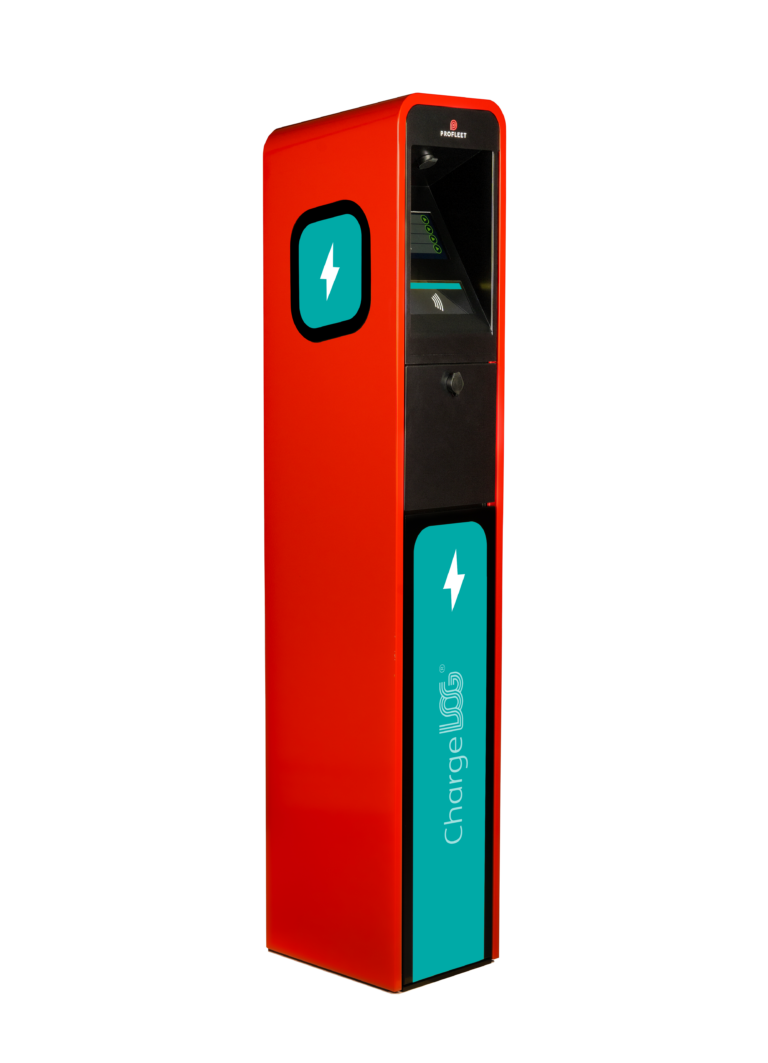
ChargeLOG stand-mounted terminal, viewed from the side
ChargeLOG Wallbox

ChargeLOG specifications and configuration for the standalone and wallbox terminal

Download the ChargeLOG specifications